
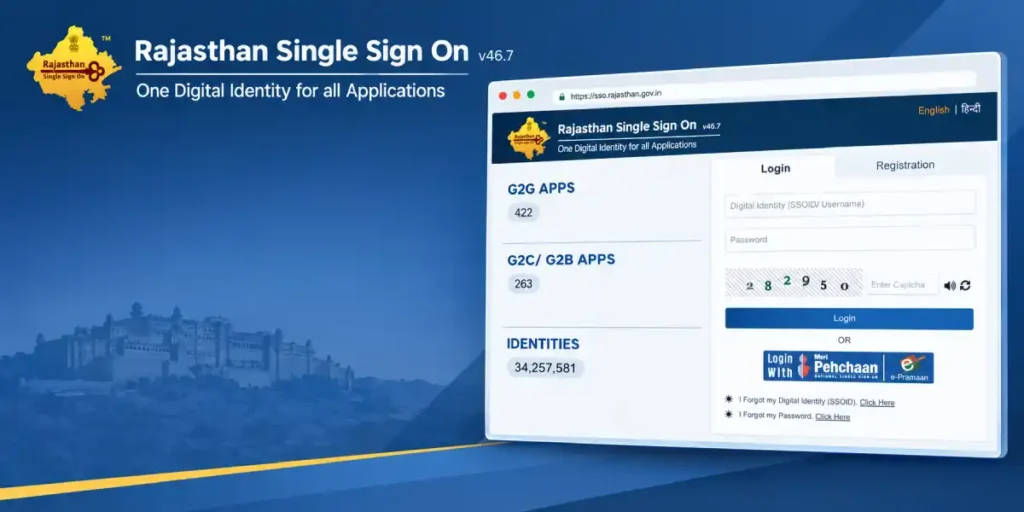
In today’s digital workplace, employees and users often need access to dozens of applications—email, cloud storage, HR systems, project management tools, and more. Remembering separate usernames and passwords for each one is inefficient and insecure. This is where SSO ID Login comes in. SSO, or Single Sign-On, is an authentication method that allows users to log in once and gain access to multiple independent software systems without needing to re-enter credentials for each one.
What Is SSO Login?
SSO login is a session and user authentication service that permits a user to use one set of login credentials—such as a username and password—to access multiple applications. The system works by establishing trust between an identity provider (IdP) and multiple service providers (SPs). Once a user authenticates with the identity provider, that trusted identity is shared across all connected applications, eliminating the need for repeated logins.
Common real-world examples include logging into your Google account and automatically gaining access to Gmail, Google Drive, YouTube, and Google Calendar, or logging into a corporate Microsoft 365 account and being able to access Teams, Outlook, SharePoint, and OneDrive without additional prompts.
How Does SSO Login Work?
The process typically follows these steps:
- User attempts to log in to an application (the Service Provider).
- Redirect to Identity Provider — the application redirects the user to the SSO identity provider for authentication.
- Credential verification — the user enters their credentials once, which are verified by the identity provider.
- Token generation — upon successful verification, the identity provider issues a secure token (often using protocols like SAML, OAuth, or OpenID Connect).
- Access granted — this token is passed back to the application, granting access without requiring a new login.
- Seamless access to other apps — as long as the session token remains valid, the user can move between all connected applications without logging in again.
Benefits of SSO Login
- Improved user experience — no more juggling multiple passwords or repeatedly entering credentials.
- Enhanced security — fewer passwords mean fewer weak or reused passwords, and centralized authentication makes it easier to enforce strong security policies like multi-factor authentication (MFA).
- Reduced IT overhead — fewer password-reset requests and simplified user management for IT departments.
- Centralized access control — administrators can instantly revoke access to all connected apps by disabling a single account.
- Better compliance — centralized logging and monitoring make it easier to track user activity for audits and regulatory compliance.
Common SSO Protocols
Several standard protocols power SSO systems, including:
- SAML (Security Assertion Markup Language) — widely used in enterprise environments.
- OAuth 2.0 — commonly used for authorization between applications.
- OpenID Connect (OIDC) — built on top of OAuth 2.0 for authentication purposes.
Popular SSO Providers
Many organizations rely on established identity providers such as Okta, Microsoft Azure Active Directory (Entra ID), Google Workspace, OneLogin, and Ping Identity to manage SSO across their software ecosystem.
Frequently Asked Questions
1. What does SSO stand for? SSO stands for “Single Sign-On.” It’s an authentication process that lets users access multiple applications with just one set of login credentials.
2. Is SSO login secure? Yes, when implemented correctly, SSO can be more secure than using multiple separate passwords because it reduces password fatigue, encourages strong authentication practices, and often integrates with multi-factor authentication (MFA) for added protection.
3. What happens if my SSO identity provider goes down? If the identity provider experiences downtime, users may be unable to access any connected applications, since authentication relies on that central system. This is why redundancy and backup authentication methods are important for critical business systems.
4. Can SSO be used for personal accounts, not just businesses? Yes. Many personal platforms, like Google and Facebook, offer “Sign in with Google” or “Sign in with Facebook” options on third-party websites, which is a form of consumer-facing SSO.
5. What’s the difference between SSO and multi-factor authentication (MFA)? SSO simplifies login by using one set of credentials across multiple apps, while MFA adds an extra layer of security by requiring additional verification (like a code or biometric scan) beyond just a password. Many organizations use both together for convenience and enhanced security.